It always happens at 4:45 PM. A 40-page vendor report lands in your inbox, and you need the key metrics for a 5 PM sync. PDFs were designed to be final, static formats—great for printing, terrible for actually working with. Copy-pasting turns into a wrestling match with broken line breaks and missing table cells, and skimming rarely catches the specific numbers buried in paragraph seven. This is exactly where AI PDF tools step in, not as a flashy disruptor, but as a quiet rescue mechanism for your sinking afternoon.
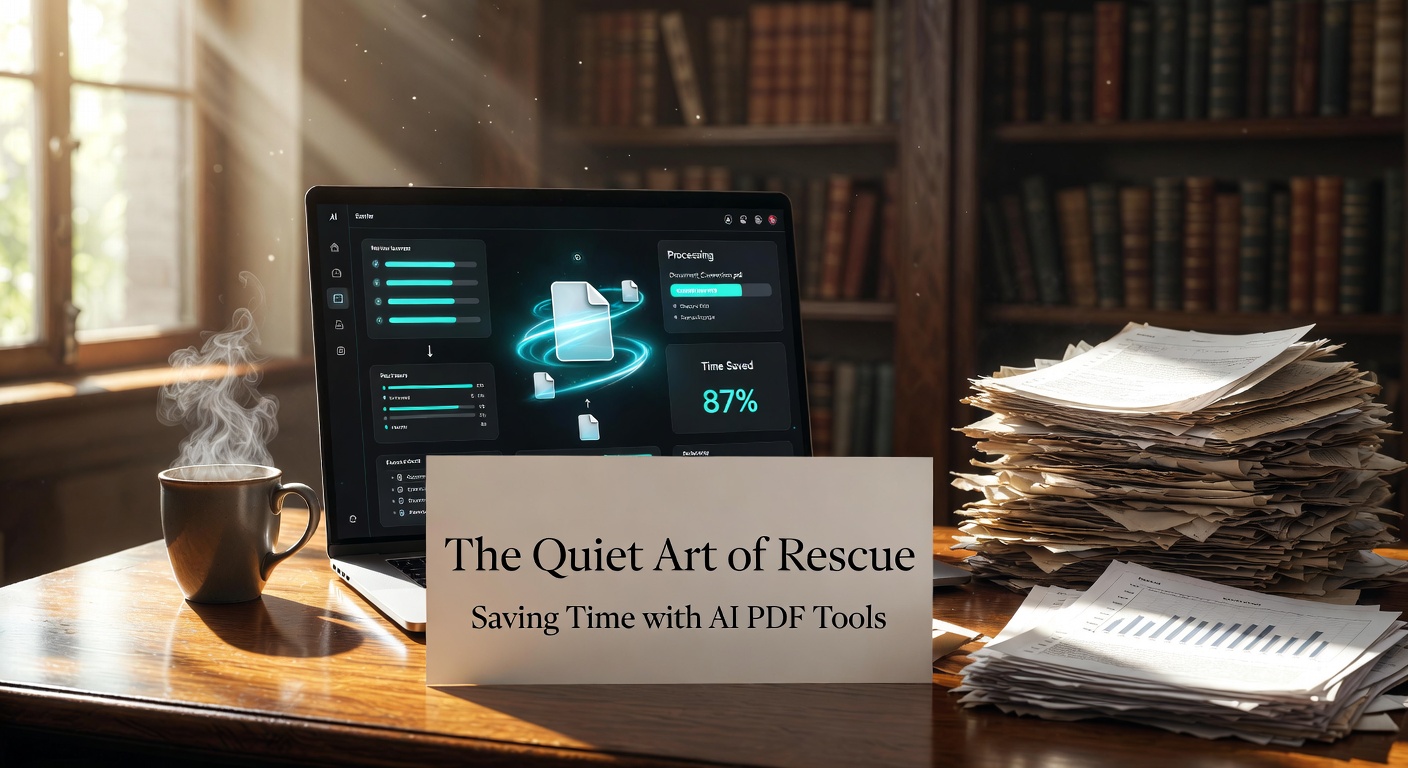
Extraction vs. Skimming: Where AI PDF Tools Actually Help
Skimming a 50-page document relies on your eyes catching the bolded text or the occasional header. AI extraction relies on language models parsing the entire structure. Take a dense vendor contract. Instead of manually hunting for the termination clause or the liability cap, you can run the file through an engine like Docly. The tool pulls the core stipulations into a digestible note, shifting your role from "hunter-gatherer of text" to "reviewer of extracted insights."
This approach works best on clean, text-based PDFs where the OCR doesn't have to guess at smeared letters. When you have a standard research paper or a corporate financial summary, the extraction is sharp. You get the methodology, the results, and the conclusion handed to you without scrolling past three pages of literature review. It cuts the fake work of digging through static files and gets you straight to the usable content.
The Docly Workflow: From Scans to Structured Notes
Docly specifically targets that friction between receiving a PDF and actually using its contents. You drop a file in, and the AI maps out the document's skeleton, offering summaries and text extraction. For a weekly research digest, instead of reading three separate 15-page academic papers, you can use Docly to compress them into actionable summaries with the key findings highlighted. The output acts as a filtering layer—you still verify the details, but you only read the sections the AI flags as relevant to your query.
The scanning feature also tries to salvage content from image-heavy files. Those photographed receipts, archived memos, or scanned whiteboard sessions that normally sit untouched in your folders become searchable text. It’s not flawless magic; messy handwriting or heavily skewed scans will still produce some garbled text. But it handles the heavy lifting of digitization well enough that you can at least search and reference the file later without manually retyping it.
Tradeoffs, Fit, and Alternatives
AI PDF tools are convenient, but they have clear boundaries. If you are reviewing a complex legal agreement where a single misinterpreted word shifts the liability, relying on an AI summary is a genuine risk. Language models still hallucinate or oversimplify nuanced phrasing. In those cases, using native search functions in Adobe Acrobat or Mac Preview is slower but safer, because you control the exact context of every keyword you find.
You also need to consider the document type. Docly and similar tools shine on informational documents—reports, articles, manuals, and specs. They struggle more with highly visual layouts like brochures or architectural plans where the spatial relationship of the text matters just as much as the words themselves. Alternatives like ChatPDF offer similar conversational querying, but Docly leans a bit harder on the editing and note-generation side, letting you actively modify the extracted content rather than just chatting about it.
If you just need a quick cheat sheet of a meeting transcript or a vendor spec sheet, the AI route saves real time. If you need verbatim certification for a legal filing, stick to manual reading. The tradeoff is always speed against absolute certainty.
The quiet art of rescue here isn't about replacing deep reading; it's about eliminating the friction of accessing the information you need right now. When you have a stack of informational PDFs that just need to be understood and filed, AI PDF tools like Docly handle the extraction and summarization faster than any manual method. They won't make a 40-page contract disappear, but they will give you the three bullet points you need for that 5 PM meeting without the copy-paste headache.
Comments
Leave a Comment