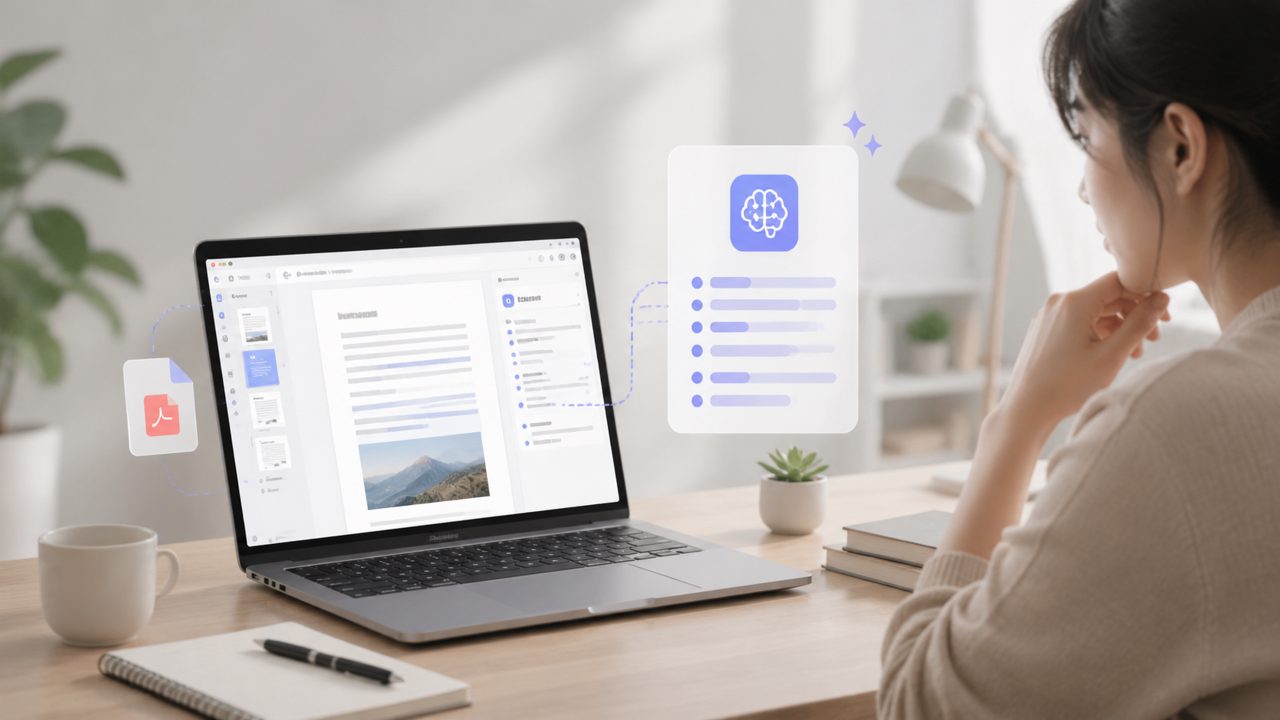
Is Docly Actually a Useful PDF Editor for Summarizing Documents?
I've been testing Docly for a couple of weeks now, mostly because I got tired of copy-pasting chunks of PDFs into ChatGPT just to get a summary. The idea of a single tool that handles both editing and AI-powered extraction seemed worth a closer look.
Below are the most common questions I ran into while using it—plus what I actually found, good and bad.
What Can Docly Do That a Normal PDF Viewer Can't?
The main difference is the AI layer. With a standard free PDF reader, you can highlight and maybe add a sticky note. With Docly, you can drop a 40-page report and ask it to summarize the key points in bullet form. It also pulls out specific data points, like dates or names, and lets you edit the text directly—something most free tools restrict to paid tiers.
I tested this by feeding a dense legal contract into the tool. The summary captured the main obligations and deadlines well, though it missed one or two nuance clauses around termination fees. So it's not perfect, but it saved me from reading the whole thing.
How Does the AI Summary Actually Perform?
It's fast—usually 3 to 5 seconds for a 20-page document. The output is decent for first-pass understanding. For research papers, I found it sometimes reordered the arguments, making the logic a bit harder to follow. But for business reports or meeting notes, it was solid.
One concrete example: I fed it a 30-page industry analysis. The summary correctly listed the top three trends and the main risks. It did not, however, pull out a single unexpected insight—it just flattened the content. That's realistic for an AI PDF editor; it condenses, it doesn't analyze.
Is It Really Free? What's the Catch?
Docly has a free tier that gives you a fair amount of usage before hitting limits. For light users—maybe 5 to 10 documents a month—it honestly works fine without paying. The catch is that advanced features like batch processing or very long document handling require a subscription. I hit the monthly limit on summaries around my 12th document and had to upgrade for a deeper test.
If you're looking for the best free ai pdf editor 2026 options, Docly is among the top contenders because the free tier actually includes AI features, not just basic viewing. But it's not unlimited, so your mileage depends on volume.
Can It Handle Scanned PDFs and OCR?
Yes, but with a caveat. Docly does OCR on scanned files and turns them into editable text. I tried it on a badly photocopied manual from the 90s. It got maybe 70% of the words right—enough to read the instructions, but with enough errors to need manual correction. For clean scans, it's closer to 95% accuracy.
The OCR process is automatic, which is nice. You don't have to toggle a separate setting. But if you need pristine accuracy for archival work, you'd still want to double-check everything. That's a realistic limitation of any tool in this class.
What About Editing the PDF Itself—Not Just Summarizing?
The editing tools are there, but they're basic. You can add text boxes, highlights, strikethroughs, and shapes. You cannot, however, rearrange pages or flatten annotations easily. I needed to combine two separate summary outputs into one document, and it took a few manual steps to get the layout right.
So it's a PDF editor for marking up and extracting content, not for full page layout work. For heavy formatting, you're better off with a dedicated desktop app.
How Secure Is It for Sensitive Documents?
I was initially concerned about uploading client contracts to a cloud-based tool. Docly states they use encryption in transit and at rest, and they don't train models on user data. That said, there's no on-premises option. If your compliance rules forbid any third-party server processing, this won't work. For most individual or small team use, the privacy policy looks reasonable—but I'd still avoid uploading highly confidential trade secrets.
Is Docly the Best Free AI PDF Editor for 2026?
Looking at the landscape, it's definitely one of the more complete free options right now. It combines OCR, summary, and basic editing without asking for a credit card upfront. But "best" depends on what you need. If your main pain point is reading long reports quickly, it's strong. If you need deep editing or absolute OCR precision, you'll hit limits.
I'd recommend trying the free tier first with a handful of your real documents. You'll see quickly whether the summary quality matches your expectations. For me, it became a regular tool for those Friday afternoon reports I never want to read fully.
Comments
Leave a Comment