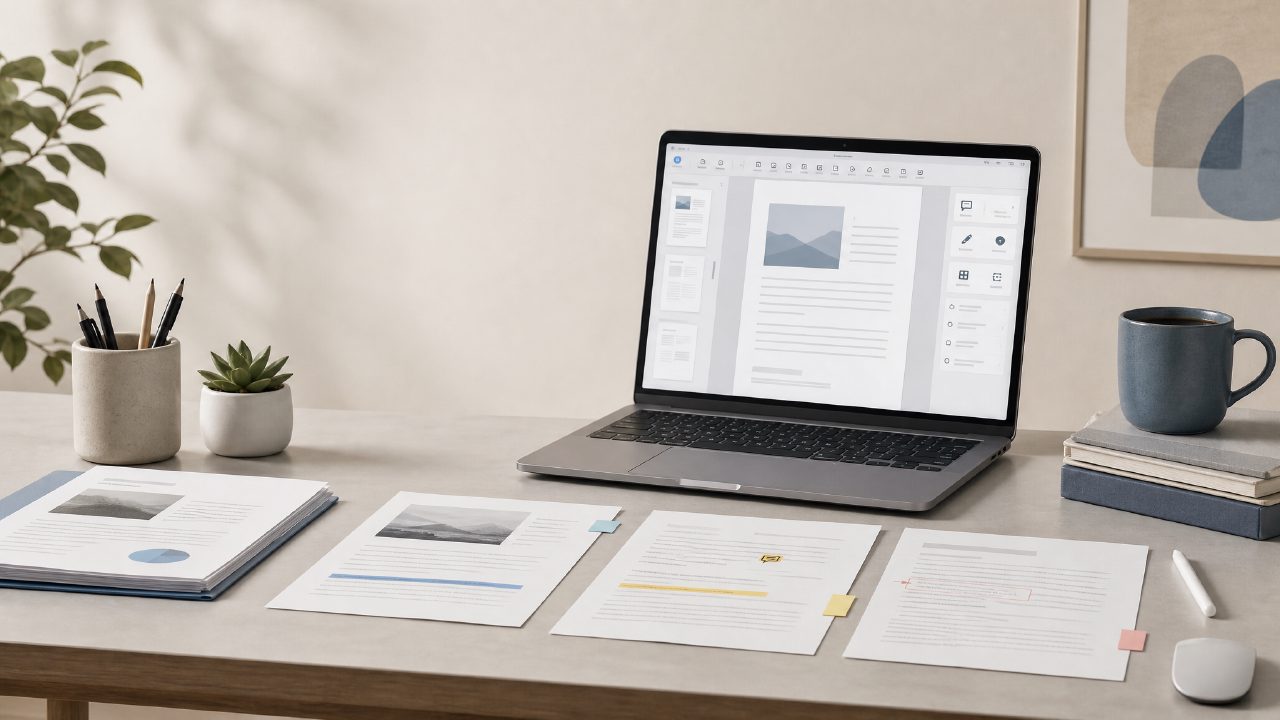
I’ve been sitting on a growing pile of PDFs for months — contracts, research papers, scanned handwritten notes — and I kept putting off organizing them because no tool really felt worth the setup. When I heard about Docly, an AI PDF editor that claims to handle summaries, text extraction, and document management in one place, I figured it was worth a proper test. Here are the answers to the questions I actually had while using it.
What makes Docly different from other PDF editors for document management?
Most free PDF tools do one thing okay (like basic annotation or conversion) and everything else poorly. Docly tries to bridge the gap between a quick viewer and a real document management system by adding AI-assisted actions. What stood out to me was the way it handles scanned documents — you snap a photo of a printed page, and the ai pdf scanner and editor free version can extract text and even restructure it into editable notes. I tested this with a crumpled meeting handout, and while it wasn’t perfect (some table formatting got lost), the text extraction saved me a solid 15 minutes of manual typing.
The trick is that Docly doesn’t just dump OCR results into a plain text box. It tries to group content into sections, which helped when I was organizing multiple scanned pages into a single document. But the grouping isn’t always smart — sometimes it splits a paragraph awkwardly. That’s a tradeoff you don’t see in more polished desktop suites, but for a lightweight tool, it’s acceptable.
Can I use it as a free AI PDF summarizer? Does it really work for long documents?
Yes, and this was the feature I was most skeptical about. I ran a 40-page research paper through the free ai pdf summarizer 2026 (the tool labels its summarization engine as something they’re actively refining, which makes sense). The summary it produced was about 300 words and actually captured the main arguments — not perfectly, but well enough that I could decide whether to read the full paper. I also tried it on a legal contract with dense sections, and the summary was more mixed: it highlighted boilerplate clauses but missed a critical risk paragraph buried in the middle.
That’s where I got cautious. If you rely on the summary alone for important documents, you might miss details. I’d treat it as a first pass, not a final analysis. For student notes or general research, though, it’s genuinely useful.
What about editing? Is the AI actually helpful there?
Editing a PDF usually feels like fighting the format. Docly’s AI text extraction lets you pull content into an editable document, then re-export as PDF. I tried editing a scan of an old brochure: the AI read the layout surprisingly well, but when I moved a text block, a linked image shifted incorrectly. That kind of friction feels real — the tool is promising but not yet frictionless. The ai pdf editor free tier gives you enough edits per day that I didn’t hit limits during my testing week.
How does Docly fit into a broader document management workflow?
I manage documents across Google Drive, local folders, and email attachments. Docly doesn’t sync with cloud storage directly (no Dropbox or Drive integration yet), so you have to upload files manually. That’s a limitation if you’re used to a connected ecosystem. What it does well is bring all the actions — summarization, text extraction, scanning, basic editing — into one browser tab instead of switching between four tools. For someone who just wants to clean up a messy folder of PDFs and convert them into useful notes, that’s a decent tradeoff.
I found myself using it mostly for short documents: invoices, letters, a few scanned book chapters. For truly massive document management (hundreds of files), the lack of batch processing means you’d need something heavier. But for day-to-day cleanup, it works.
What are the limitations I should know about before trying Docly?
- PDF-to-Word conversion isn’t flawless — complex tables and two-column layouts sometimes break.
- The AI summary works best on text-heavy documents; charts and diagrams are ignored entirely.
- No mobile app yet — the web interface is usable on a phone browser but not optimized for scanning on the go.
- Free tier limits: you get a decent number of actions (like 5 summaries or 10 extractions) per day. I hit my daily limit once when I tried batch-processing receipts.
Honestly, none of these are dealbreakers if you’re looking for a free starting point. Just set expectations: it’s not a replacement for a full DMS, but it is a smart helper for getting through a backlog of PDFs.
Final thought: should you use docly for your document management?
I’d say try it for one specific task — like summarizing a long report or cleaning up a stack of scanned notes — and see if the workflow clicks for you. I kept it bookmarked for when I need to quickly turn a chaotic PDF into something searchable. It’s not perfect, but it’s one of the few free tools that actually tries to understand the content instead of just displaying it.
Comments
Leave a Comment