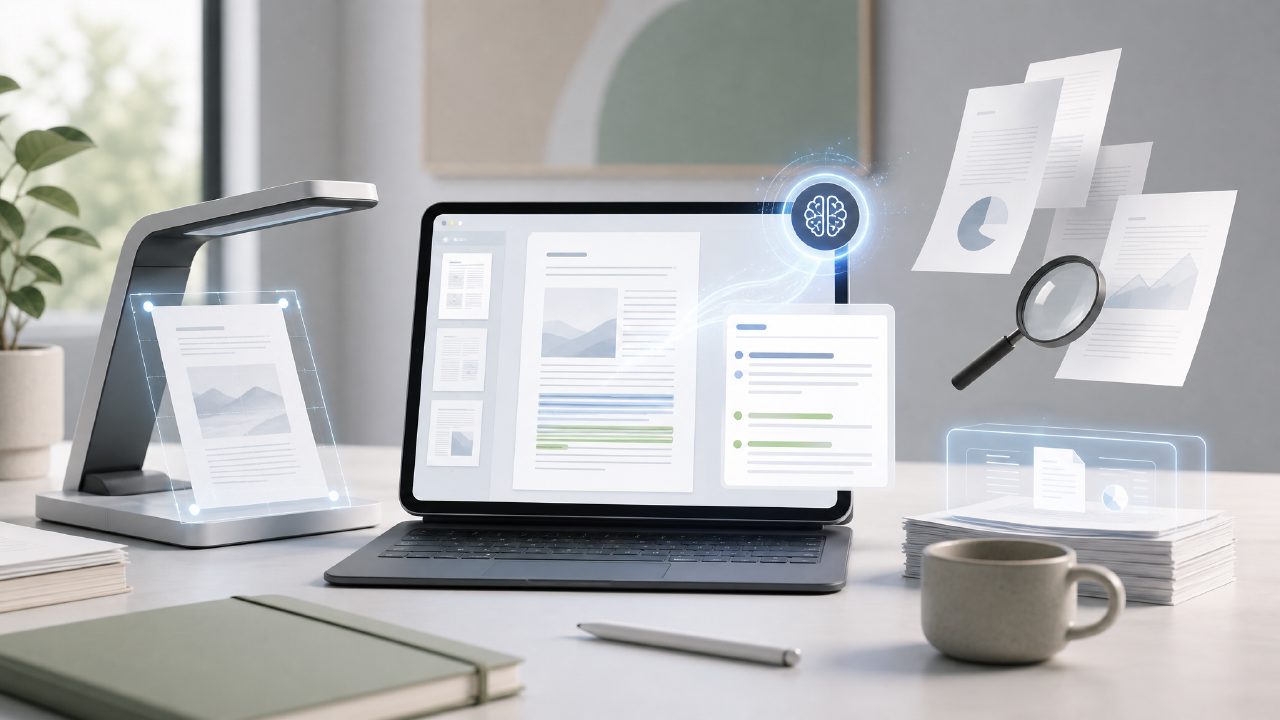
I’ve been trying to work smarter with PDFs, but most tools do one thing well and the rest poorly. Adobe Acrobat is powerful but clunky and expensive. Free web tools often water down your documents or hit a daily limit fast. So when I tested Docly against a couple of alternatives, I was looking for something that could actually handle editing, summarising, and scanning without forcing you to switch apps every five minutes.
How Docly stacks up on the core tasks
The obvious starting point is summarisation, because that’s half the reason anyone bothers with an AI PDF tool these days. I fed a 40-page research report into Docly and into a popular free AI pdf editor 2026 option (I’ll call it Tool X). Docly gave me a three-paragraph summary that kept the key data points without losing context. Tool X returned something more bullet-heavy and occasionally hallucinated numbers — not great if you need to trust the output.
For text extraction, Docly handled scanned invoices pretty well, though it stumbled on a couple of handwritten notes in margins. That’s not unusual for OCR, but it’s worth noting if your scans are messy. One alternative I tried refused to process a blurry scan at all. Docly at least attempted it and flagged the low-confidence sections, which I appreciated.
Editing and the “scan” piece
Direct editing is where docly surprised me. I’m used to PDF editors either mangling the layout or requiring you to export to Word first. With Docly, I could highlight text, delete a redundant paragraph, and insert a short note without the formatting falling apart. It’s not as fast as native Word editing, but for a PDF-first tool it felt natural.
The scanning feature worked well for single-page receipts and multi-page contracts. I tested it with an older scan that had skewed orientation, and Docly auto-straightened it before extraction. One alternative required manual rotation — minor friction, but it adds up when you process a pile of documents.
Tradeoffs and a realistic concern
The free tier is generous enough for light use, but if you need to summarise more than a few documents per day, the paid plan comes into play. That’s fine for professionals, but students on a budget might prefer a free ai pdf editor 2026 option that caps usage differently. On the plus side, Docly doesn’t watermark your exports or limit file size much, which Tool X did on its free tier.
My cautious judgment: Docly is the most balanced option I’ve used for the trio of editing, summarising, and scanning. It’s not perfect — OCR accuracy depends on scan quality, and the AI summary occasionally misses nuance in legal language — but it consistently delivers better results than most single-purpose tools I tested.
Final recommendation
If you’re searching for the best ai tool to edit summarize scan pdf 2026, Docly is the clear winner among what I tried. It’s not the cheapest if you go pro, but the output quality and workflow speed justify the price. For occasional users, the free tier handles real-world tasks without constant friction. Just don’t expect it to read handwriting perfectly — yet.
Comments
Leave a Comment